2D Images to 3D Models
When viewing a 2D image, the human eye discerns depth through color shading and texture. For a computer to do this requires a very large amount of processing power. Those with extensive training in desktop applications such as Blender know how to transfer 2D image data into 3D printable files. For beginners, we recommend a webapp that uses AI to accomplish that task.
Meshy.ai
There are a handfull of webapps that use AI to create 3D data from 2D images. At the moment, Meshy.ai looks like the most user-friendly. Their free tier allows you to create a 3D printable file from a single 2D image.
Meshy.ai works best with images like line drawings. At this time, complex photographs don’t work well. Also, do not expect fine detail work to come through. We recommend this process for models that don’t require high fidelity to the original image.
Example 1: Amaranth Flower
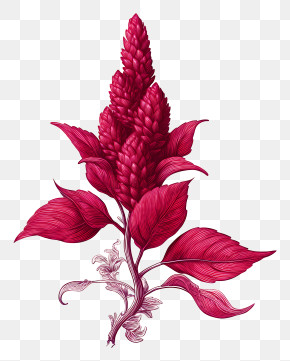
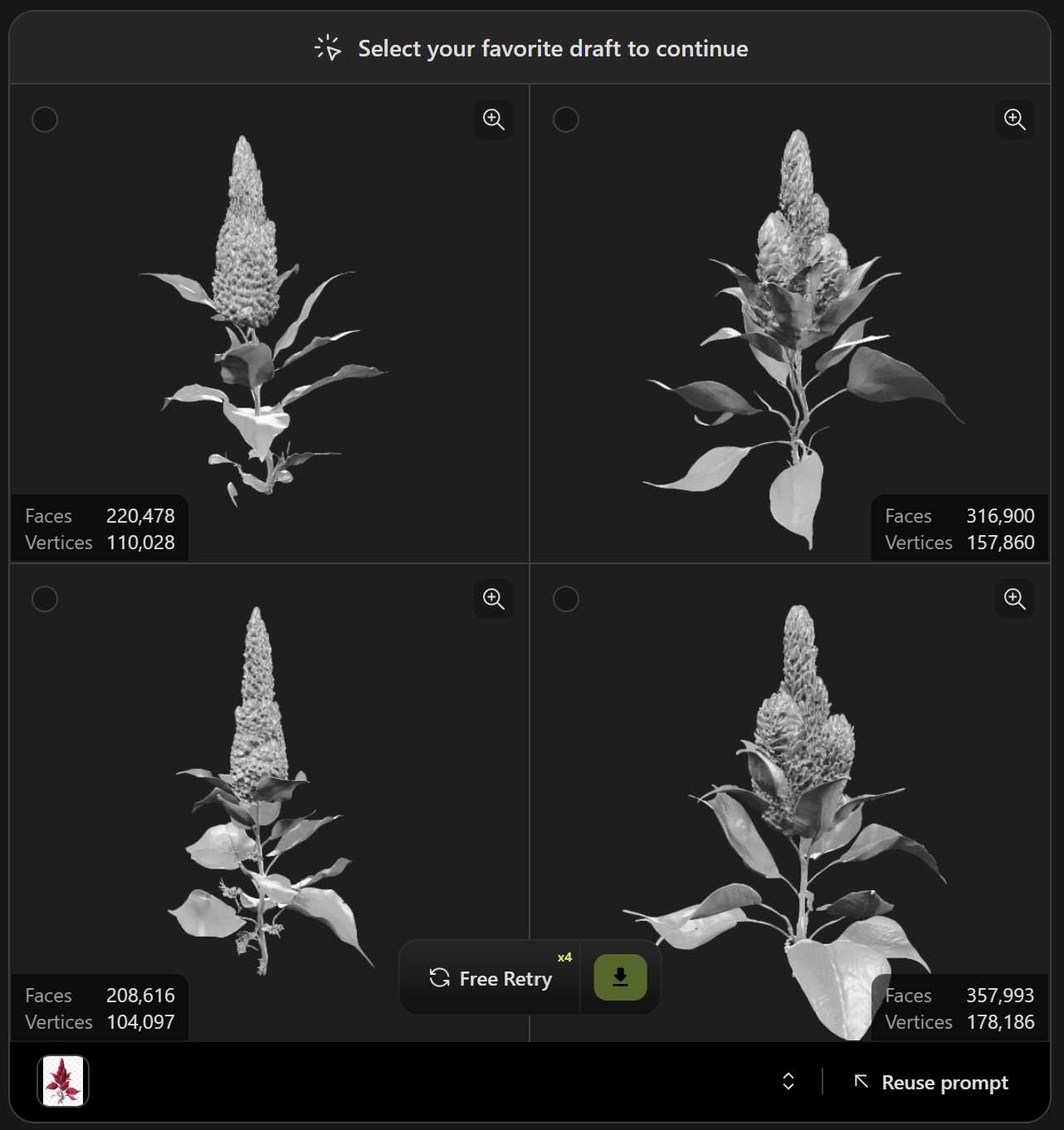
As an item to demonstrate the positive potential for using Meshy.ai we chose to generate a 3D Amaranth flower. We input the image on the left into Meshy.ai and got a satisfactory output. Meshy.ai provides you with four drafts and you choose the one you like best to download.
Example 2: Middleton Cross
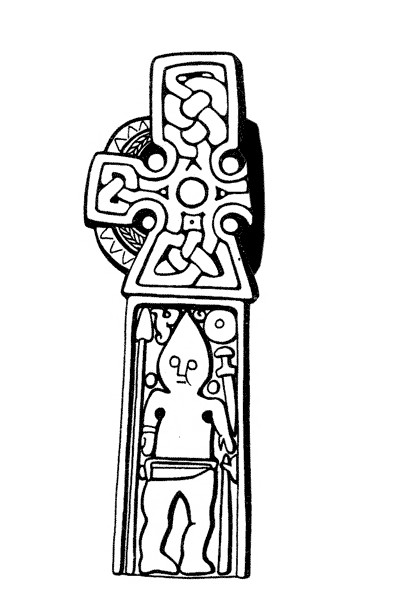
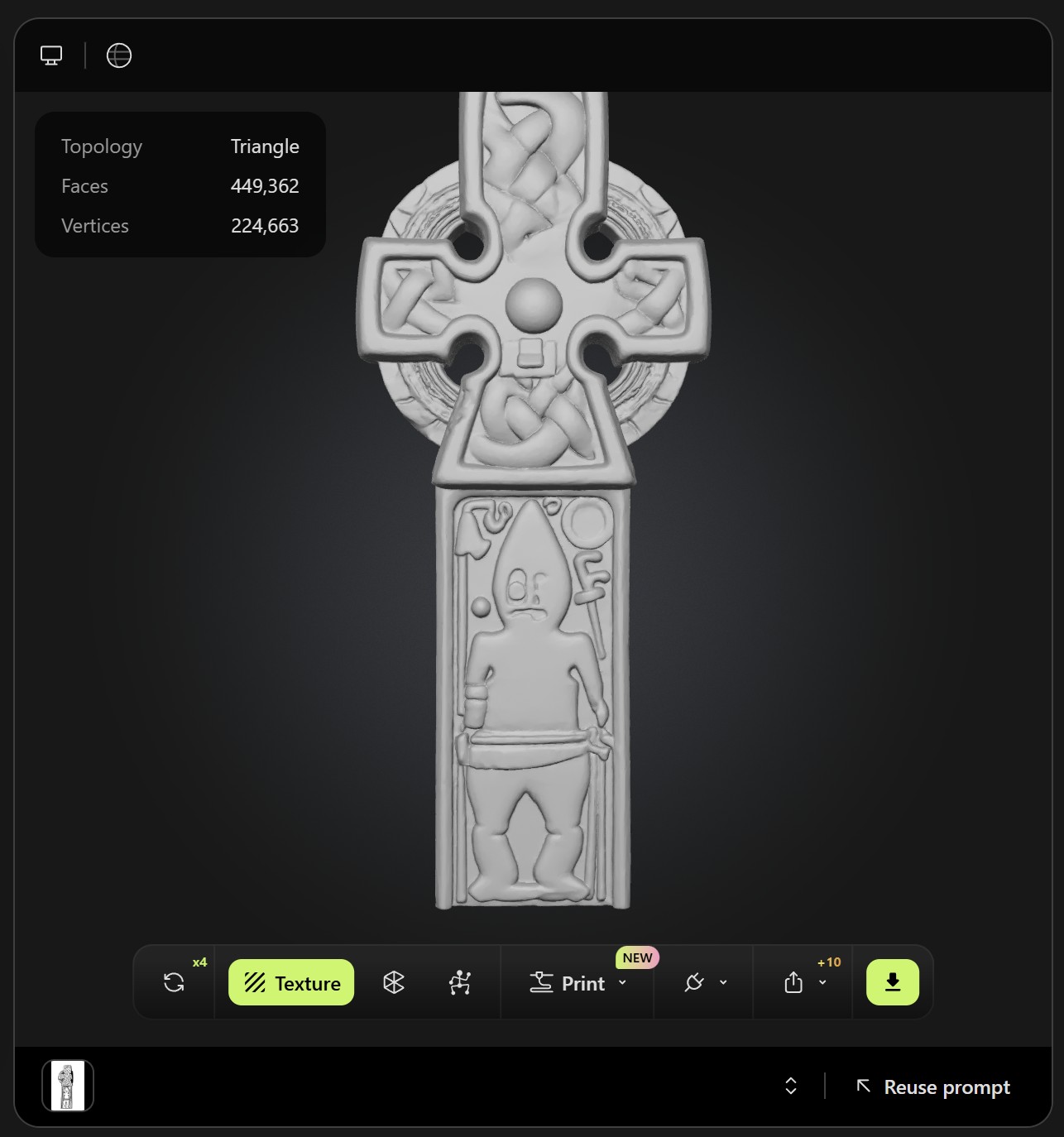
This example shows the limitations of Meshy.ai because it generated a strange interpretation of the markings on the cross, especially with the face of the human figure. Also, Meshy.ai decided to regenerate the part of the cross that no longer exists. Meshy.ai does allow for refining and giving instructions for new iterations of the generation, but you will not have full control over what the AI decides to create.